 Back to Blog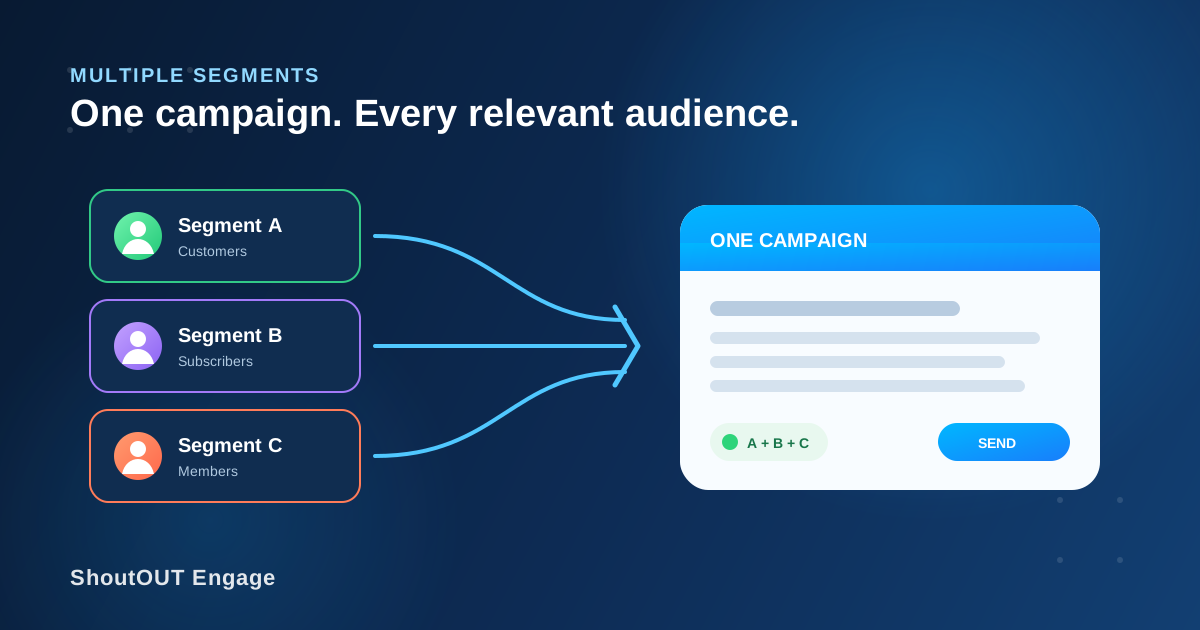
Some messages belong with more than one audience. A school closure notice may need to reach parents, students, and staff. An event update may matter to guests, vendors, and volunteers. ShoutOUT Engage lets you select multiple existing audience segments for one campaign, so you can send the same targeted message to every relevant group without creating and managing several separate campaigns.
That sounds like a small convenience, but it fixes a common campaign problem. When teams send the same update several times, each extra campaign creates another opportunity to change the wording accidentally, miss a group, schedule the wrong time, or fragment the work. Combining segments keeps one message, one campaign setup, and one send at the center of the task.
What does combining multiple audience segments mean?
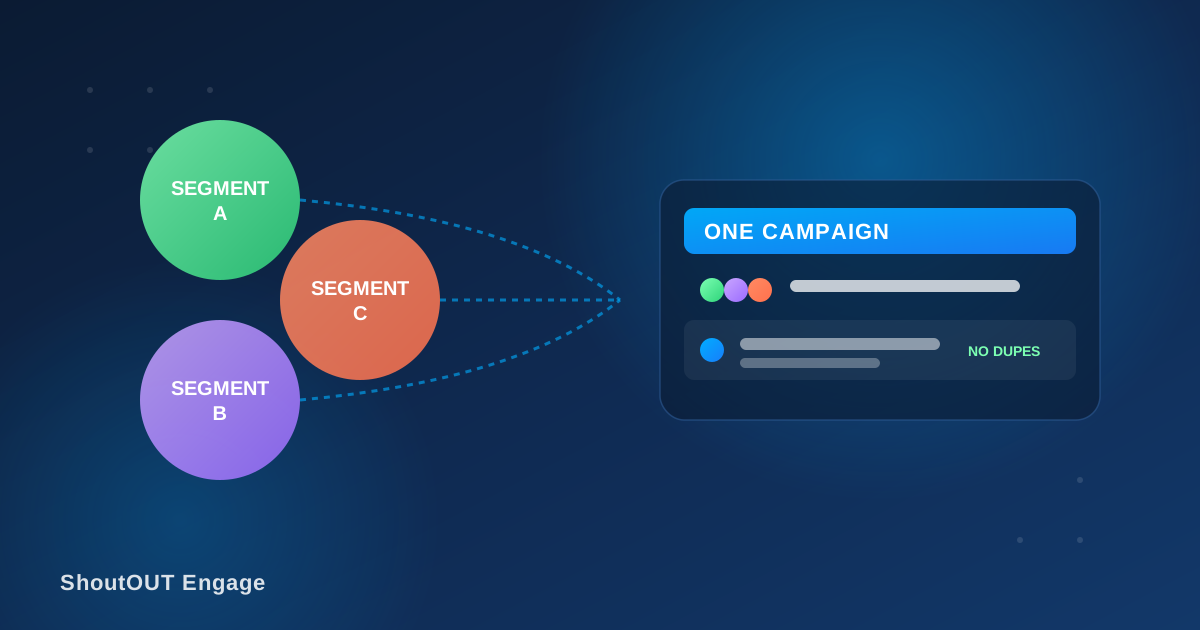
Combining multiple audience segments means selecting two or more saved contact groups as the audience for a single campaign. Instead of choosing only one segment or sending to the entire contact base, you can include the specific groups that share a reason to receive the message.
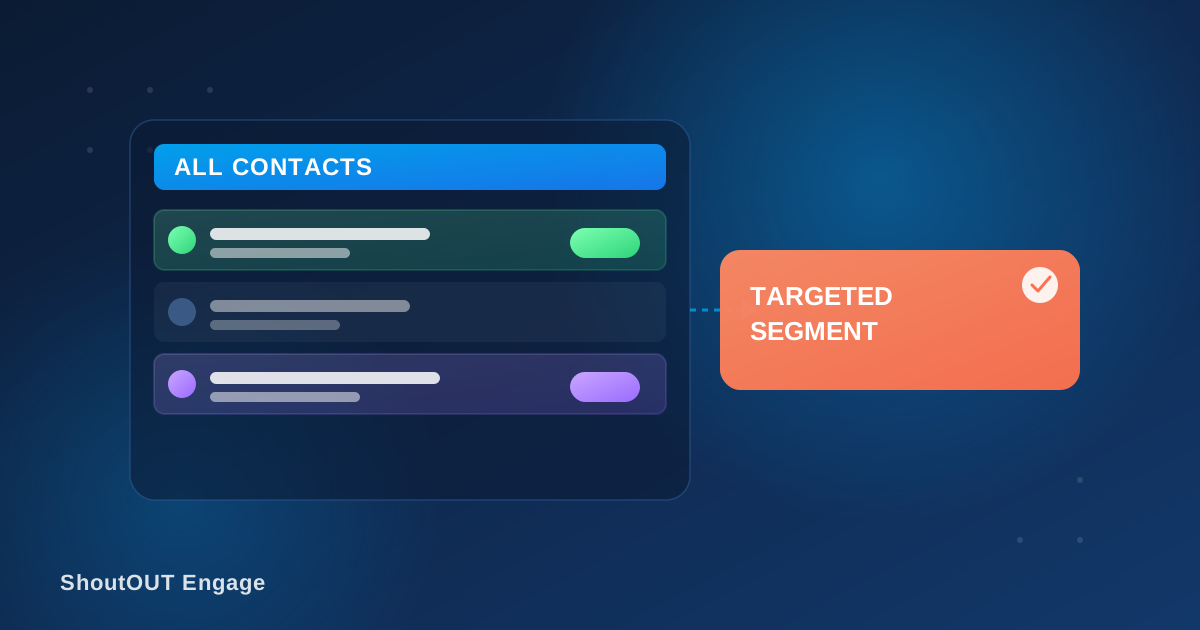
The feature sits between two unhelpful extremes. Sending to one segment may exclude people who need the information, while broadcasting to every contact may include people for whom it is irrelevant. Multiple-segment targeting lets the campaign match the real shape of the audience, even when that audience crosses organizational or customer categories.
For example, a business announcing different opening hours at one location could select its customers from that area plus employees assigned to that branch. Both groups need the update, but the rest of the contact database does not.
How do you send one campaign to multiple segments?
Start with the segments you have already created, compose the message once, and select every relevant segment as the campaign audience. Review the combined audience against the purpose of the message, then complete the campaign setup and send or schedule it through ShoutOUT Engage.
A practical workflow looks like this:
- Define the purpose of the campaign in one sentence.
- Identify every saved segment that genuinely needs that message.
- Select those segments in the campaign audience.
- Review the message for details that apply to all selected groups.
- Send immediately or schedule the campaign for the right time.
The important discipline is relevance. The ability to add more segments should not become an excuse to select every group. Each chosen segment should have a clear connection to the campaign goal.
Why use multiple segments instead of separate campaigns?
One combined campaign reduces repeated setup and keeps a shared message consistent across related audiences. It also makes the work easier to reason about: when several groups need the same information at the same time, they can be treated as one campaign audience rather than several disconnected sends.
The operational benefits are straightforward:
- Less repetition: Write, review, and configure the campaign once.
- More consistent messaging: Every selected group receives the same approved wording.
- Lower risk of omissions: Choose all relevant segments during one audience review.
- Cleaner coordination: Your team manages one campaign instead of tracking several copies.
- Better targeting than a full-list blast: Contacts outside the selected segments are left out.
This is especially useful for urgent or time-sensitive updates. If a venue changes, a service is interrupted, or an offer is about to expire, duplicating campaigns for several audiences adds work at the moment when speed and accuracy matter most.
When should you combine audience segments?
Combine segments when distinct groups need the same message, call to action, and timing. Keep campaigns separate when the groups need meaningfully different wording, offers, links, or delivery schedules. The deciding factor is not how the contacts are organized; it is whether the communication itself is truly shared.
Good use cases include:
- A school selecting parents, students, and teachers for a schedule change
- An event organizer selecting guests, vendors, and volunteers for a venue update
- A retailer selecting loyalty members from several regions for a nationwide promotion
- A community organization selecting several local chapters for a general announcement
- A creator selecting paid and free subscriber groups for a public livestream reminder
In each case, the segments remain useful as separate groups for future targeting. Combining them for one campaign does not require turning them into a permanent catch-all audience.
When are separate campaigns the better choice?
Use separate campaigns when personalization goes beyond contact fields and changes the substance of the message. If one segment receives a different discount, deadline, destination link, or call to action, splitting the campaign keeps each version clear and easier to verify.
Consider a retailer communicating with loyalty members and first-time buyers. A general store-closure notice can go to both groups in one campaign. A promotion offering loyalty members early access and new buyers a welcome discount should remain separate because the audience promise is different.
A simple test helps: read the finished message as a member of each selected segment. If every group can act on it without extra explanation, a combined campaign is likely the right fit. If any group would ask, “Does this apply to me?” narrow the audience or create a separate version.
How do multiple segments improve campaign management?
Multiple-segment campaigns make audience selection reflect how organizations actually communicate. Contacts may live in distinct groups for good reasons, yet many real announcements cross those boundaries. ShoutOUT Engage preserves the value of precise segmentation while letting teams assemble the right audience for each send.
That balance matters as a contact base grows. A small team may be able to remember that one update requires three separate sends. At a larger scale, that informal process becomes fragile. Selecting the necessary groups in one campaign turns the audience decision into an explicit, reviewable part of campaign setup.
The result is not broader messaging for its own sake. It is controlled reach: include every group that needs the message and leave out everyone who does not.
Build the right audience for every message
Audience structure should help you communicate, not force you into repetitive work. With multiple segments in ShoutOUT Engage, you can keep useful groups separate for everyday targeting and bring them together whenever one campaign genuinely applies to all of them.
Explore ShoutOUT’s group text messaging service to see how segment-based campaigns support more focused communication, or open the ShoutOUT Engage dashboard to build your next campaign.
FAQ
Can I select more than one segment for a ShoutOUT Engage campaign?
Yes. ShoutOUT Engage lets you select a single contact segment or multiple segments as the audience for one campaign.
Why combine segments instead of sending to my full contact list?
Combining segments includes the related groups that need the message while excluding contacts for whom it is not relevant. It provides broader reach than a single segment without turning the campaign into a full-list blast.
Do I need to merge my saved segments permanently?
No. You can select multiple existing segments for a campaign while keeping those groups separate for future targeted messages.
Should every related segment receive the same campaign?
Only when the message, timing, and call to action apply to every selected group. If a group needs different content, an offer, a link, or a schedule, create a separate campaign for that audience.
What are common uses for multiple-segment campaigns?
Common examples include school notices for parents and students, event updates for guests and vendors, and general announcements for several customer or subscriber groups.


 Capterra
 Software Advice
 G2 Crowd
 Gartner