 Back to Blog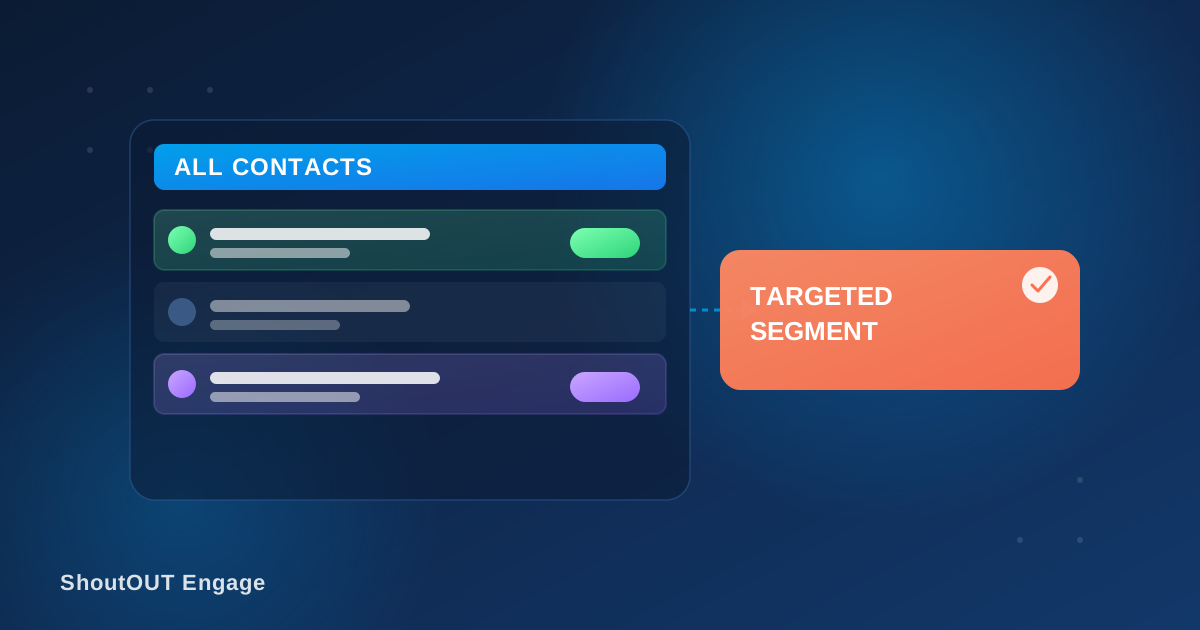
Sending the same message to every contact on your list wastes a good offer on people who don’t care about it. ShoutOUT Engage solves this with contact filtering and segmentation: you can filter your contact base by custom attributes, tags, or behavior, and save the result as a reusable segment for future campaigns.
What is contact segmentation in ShoutOUT Engage?
Segmentation is a way to split your full contact list into smaller groups based on facts you already know about each contact. You can filter by attributes such as location or purchase history, by tags you’ve applied manually, or by behavior such as past campaign engagement. Once a segment is built, you can save it and reuse it for later campaigns instead of rebuilding the filter every time.
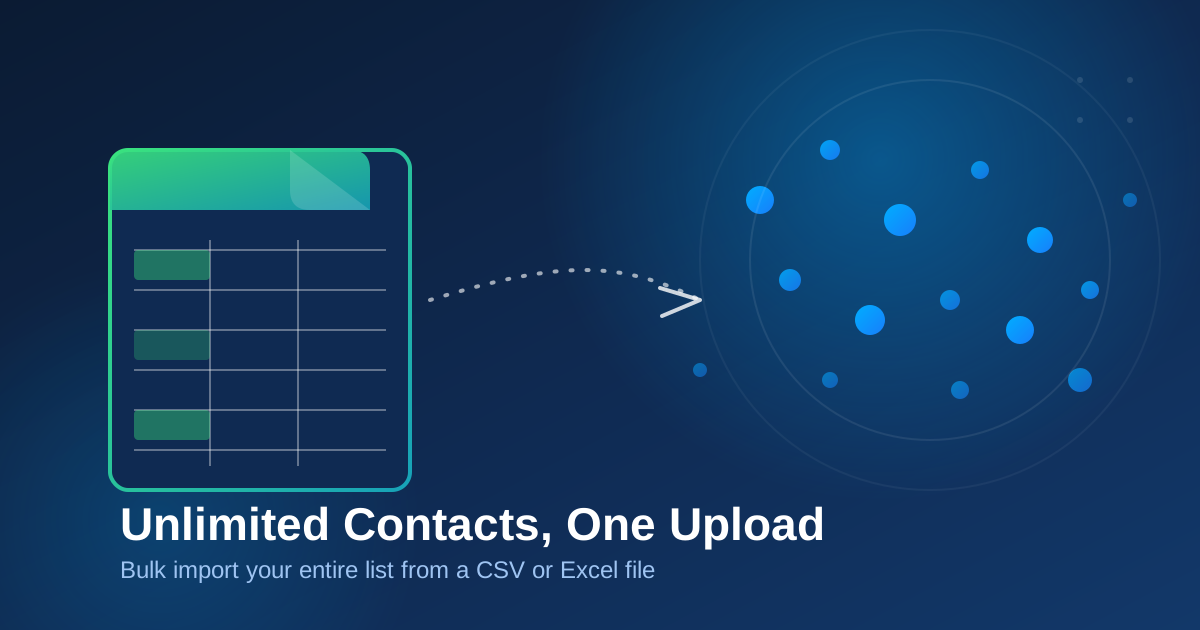
This matters because a contact list, on its own, is just a pile of names and phone numbers. What makes it useful is the ability to pull out the right slice of it: recent buyers, contacts in one city, people who clicked a link last month. ShoutOUT Engage’s customer data platform is built around bringing all of that data into one place first, through CSV/Excel import or direct API integration, so the filters have something real to work with.
How does segmentation actually work?
You build a segment by choosing the attributes or behaviors that matter for a given campaign, and the platform pulls in every contact that matches. Segments update as your contact data changes, so a list built on “purchased in the last 30 days” keeps reflecting reality instead of going stale the day after you create it.
That live-updating behavior is the part that saves the most work. A segment built once for a recurring promotion, say, contacts in a particular region who bought a specific product, doesn’t need to be rebuilt by hand before every send. The underlying data changes, and the segment reflects it.
Why does targeted messaging outperform mass blasts?
A message sent to a matched, relevant segment gets a better response than the same message blasted to an entire list, because it doesn’t ask uninterested contacts to filter out noise on your behalf. Sending only to people who fit a campaign’s actual audience keeps your message relevant, and that alone drives noticeably better engagement.
Every contact who gets a message that doesn’t apply to them is a small trust cost. If a customer who bought running shoes six months ago keeps getting offers for baby products, they either tune out the messages or unsubscribe. Segmentation is the mechanism that keeps a growing contact list from turning into background noise.
What can you filter and segment by?
ShoutOUT Engage’s segmentation supports a few practical ways to slice a contact list:
- Custom attributes you’ve collected, such as location, purchase history, or account type
- Tags applied manually or through an integration, for quick manual grouping
- Behavior signals, such as whether a contact opened, clicked, or replied to a past campaign
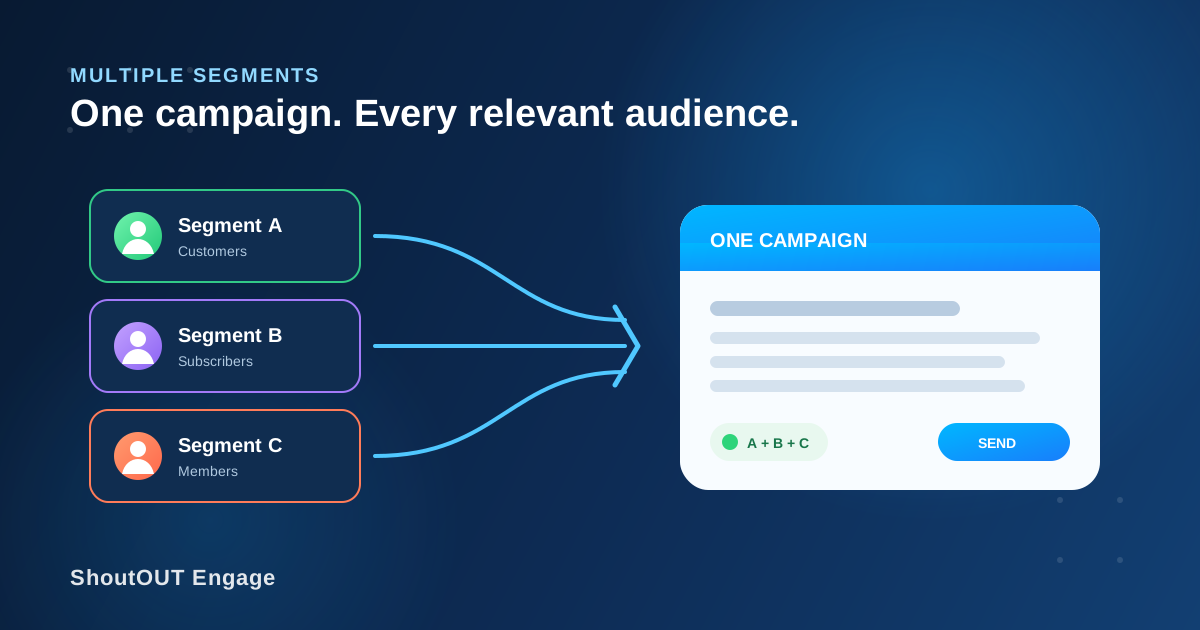
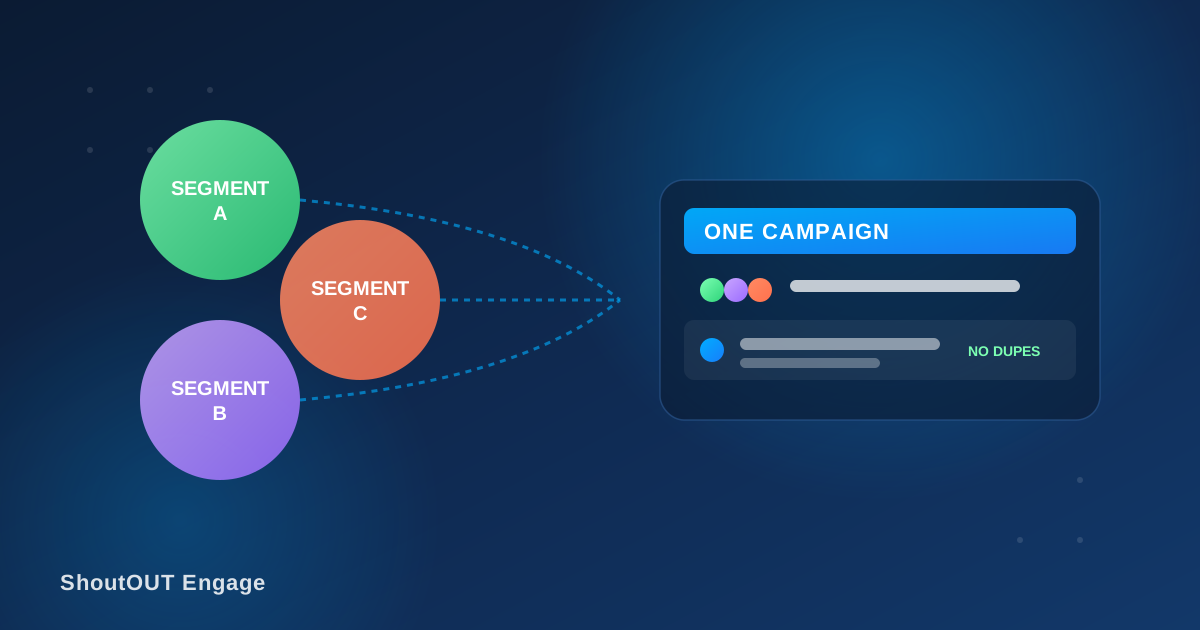
- Combinations of the above, so a segment can be as broad or specific as a campaign needs
Because segments are reusable, a team can build a small library of standard audiences (recent customers, high-value accounts, a specific region) once, and pull from that library every time a new campaign goes out.
Where does the data for segmentation come from?
Segmentation is only as good as the contact data behind it, and ShoutOUT brings that data in a few ways: bulk CSV/Excel upload for existing lists, direct API integration for systems that already hold customer data, and ongoing behavior data collected as contacts interact with your campaigns. Each contact also gets a full profile showing everything the platform knows about them, so you can check what a segment is actually built from before you send to it.
You can build and manage segments today from the ShoutOUT Engage dashboard, where the same contact data also powers personalization, scheduling, and campaign analytics.
Segmentation in practice
A few common ways businesses use this in day-to-day campaigns:
- A retailer sends a restock alert only to contacts who previously bought the item that’s back in stock
- A service business filters for contacts in one city before announcing a local event
- A subscription company builds a segment of contacts who haven’t engaged with the last three campaigns, to try a different message before they churn
- A loyalty program targets its highest-spending segment with an early-access offer, separate from the general list
In each case, the segment does the work of narrowing an audience that would otherwise require manually sorting a spreadsheet before every send.
FAQ
Can I combine multiple filters in one segment?
Yes. A segment can combine custom attributes, tags, and behavior signals together, so you can target a group as broad or specific as a campaign requires.
Do segments update automatically as contact data changes?
Yes. Segments reflect your current contact data, so a segment built on a rule like “purchased in the last 30 days” keeps updating instead of going stale.
Where does the contact data for segmentation come from?
It comes from bulk CSV/Excel uploads, direct API integration with your existing systems, and behavior data collected as contacts interact with your campaigns.
Can I reuse the same segment across multiple campaigns?
Yes. Once you build a segment, you can save it and pull it into future campaigns instead of rebuilding the same filter each time.
Does segmentation work with both SMS and email campaigns?
Yes. Segments are built from your shared contact data in ShoutOUT Engage, so the same segment can be used to target an SMS campaign or an email campaign.


 Capterra
 Software Advice
 G2 Crowd
 Gartner