 Back to Blog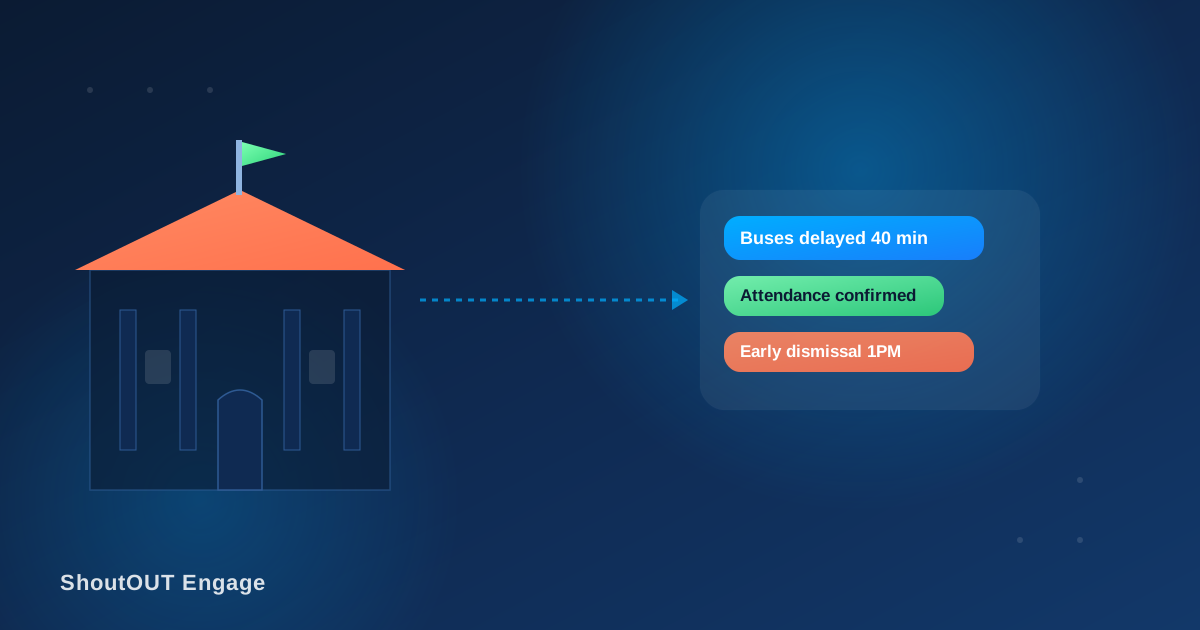
A middle school office gets a call at 7:15 a.m.: black ice on the access road, buses are delayed forty minutes. The front desk has one phone line, two staff, and eleven hundred families to reach before the first bell. The email blast goes out at 7:40. Half the parents see it after they’ve already dropped their kids off outside a locked building. The other half never open it at all, because a school email at 7 a.m. competes with everything else sitting unread in that inbox.
That’s the gap a text messaging service for schools is built to close. Not because SMS is a nicer version of the school newsletter, but because it’s the one channel that reaches a parent’s pocket in the same minute the school needs it to, whether that’s a delay, an absence, or something more serious.
Where school communication actually breaks down
Before adding a channel, it’s worth naming the specific failure points a text messaging service for schools is meant to fix:
- Time-sensitive notices arrive too late. A delay, an early dismissal, or a schedule change loses most of its value if it lands after the decision it was meant to inform.
- Attendance gaps go unnoticed for hours. A parent finding out at pickup that their child never checked into first period is a school liability problem, not just a communication one.
- Emergency alerts compete with slower channels. A phone tree or an email blast during a lockdown or severe weather event is too slow for the minutes that matter most.
- Multi-child, multi-teacher households get generic blasts. A parent with kids in three different grades gets the same mass email meant for the whole school, and starts tuning all of it out.
- Substitute and closure notices reach staff too late to matter. A 6 a.m. closure decision needs to reach teachers and bus drivers before they’ve already left home.
Where SMS fits: complete message examples
Each of these is a finished message a school could send today, not a description of a use case.
Attendance alert (sent when a student is marked absent without prior notice):
Hi Mrs. Fernando, this is Lincoln Elementary. Kavindu was marked absent for 1st period today. Reply if this was expected, or call the office at [number].
Bus delay notice:
ALERT: Due to icy road conditions, morning buses on Routes 4 and 7 are running approx. 40 minutes late. No other schedule changes.
Emergency/lockdown notice:
URGENT: Lincoln Elementary is in a precautionary lockdown as of 10:15 AM. Students are safe. We will update this number as soon as we have more information.
Early dismissal (weather):
Due to the approaching storm, Lincoln Elementary will dismiss at 1:00 PM today instead of 3:15 PM. Please arrange pickup or bus accordingly.
Report card / grades posted:
Hi Mr. Silva, Tharushi’s Q1 report card is now available in the parent portal: [link]. Contact her homeroom teacher with any questions.
Payment/registration deadline reminder:
Reminder: Field trip permission and payment for Grade 6 (Science Museum, Oct 14) is due Friday. Submit here: [link].
Parent-teacher conference reminder:
Hi Mrs. Perera, your conference with Mr. Jayasuriya is scheduled for Thursday at 4:30 PM. Reply YES to confirm or call to reschedule.
Setting this up: a workflow, not a mass blast
Sending one message to every parent in the system, regardless of grade or relevance, is the fastest way to make school texts feel like noise. A working rollout looks more like this:
- Segment by grade, classroom, and role, not just “all parents.” A bus delay on Route 4 shouldn’t reach families on Route 9; a Grade 10 chemistry deadline shouldn’t land in a Grade 3 parent’s inbox.
- Separate emergency alerts from routine ones at the system level, so a lockdown notice isn’t sitting in the same queue as a bake sale reminder and can go out the moment it’s needed, to everyone, regardless of segment.
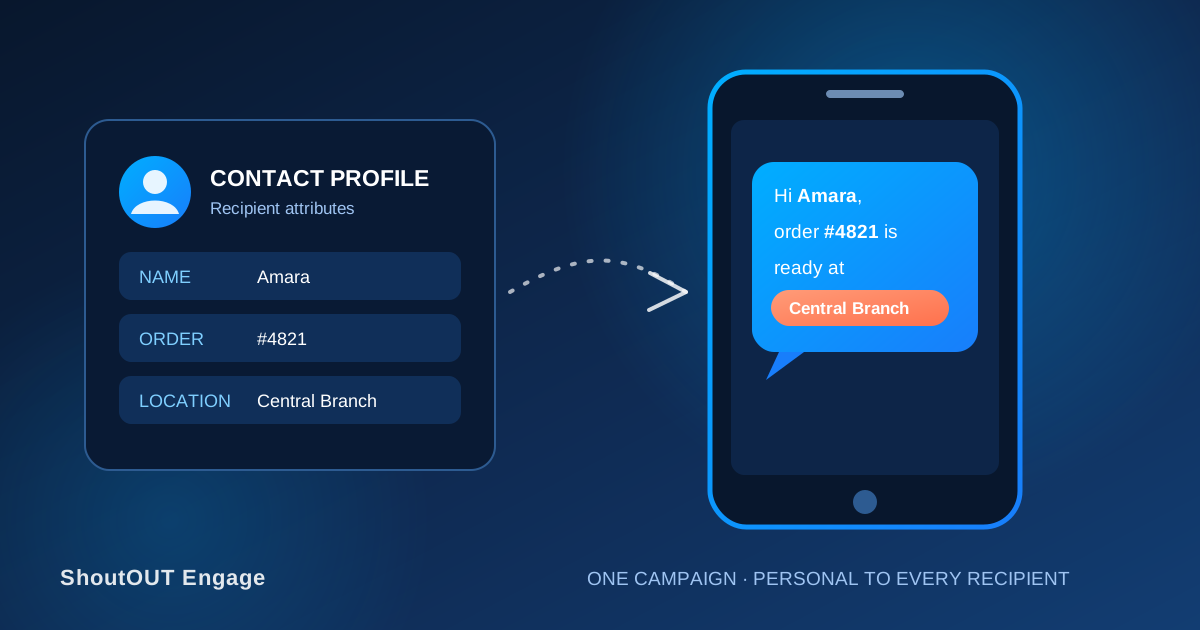
- Personalize with the student’s name and the specific detail that applies to their family — their child’s absence, their child’s teacher, their child’s due date — instead of a generic notice addressed to no one in particular.
- Send under the school or district’s name as the sender ID, so a text from “Lincoln Elem” isn’t mistaken for spam from an unknown number the first time a family receives one.
- Keep links specific. A report card link, a permission slip link, or a payment link should go straight to that item in the parent portal, not to the school’s general homepage.
How often should a school text parents?
Frequency is where trust in the channel is won or lost. A reasonable default: attendance and grade-related alerts as often as the underlying event happens (they’re tied to that specific student, so they don’t feel like noise), general school-wide updates no more than once or twice a week outside of anything urgent, and emergency or safety alerts whenever they’re needed, with no cap at all. If parents start replying STOP to routine updates, that’s a signal the frequency or relevance is off for that list, not a reason to just re-add them.
Privacy and student data: this isn’t generic marketing SMS
School communication carries information a retail SMS list never has to think about: attendance records, grades, and details tied to a specific minor. A few rules matter more here than in most SMS use cases:
- Only send student-specific information (attendance, grades, discipline) to that student’s verified guardian contacts, not to a general parent list built for schoolwide announcements.
- Keep consent and directory records current. Custody arrangements and guardian contact details change during a school year; a message about a specific student going to the wrong number is a real problem, not a minor inconvenience.
- Treat emergency alerts as an exception channel with its own list, separate from marketing-style opt-in flows, so a family can’t accidentally opt out of safety notices while managing preferences for newsletter-style content.
Data protection obligations for student records (FERPA in the U.S., and equivalent local regulations elsewhere) sit alongside general SMS consent and opt-out rules, not instead of them. A school or district should confirm current requirements with its own compliance counsel rather than treating this post as legal guidance.
Where ShoutOUT fits into this
Segmentation by grade and classroom, a school-recognizable sender name, scheduled and instant sends for both routine and urgent notices, and personalized message content are all part of ShoutOUT’s text messaging service for schools, built around the parent-communication workflow described above rather than general-purpose bulk SMS. This post covers the communication playbook itself; that page covers how the platform supports it.
FAQ
What is a text messaging service for schools used for?
Attendance alerts, bus delay and closure notices, emergency and lockdown communication, grade and report card notifications, payment and registration reminders, and parent-teacher conference scheduling, sent directly to a guardian’s phone instead of relying on email or a phone tree.
How fast can an emergency SMS alert reach parents?
An SMS alert sent through a dedicated emergency list reaches a parent’s phone within seconds of being sent, which is why schools use text for lockdowns, severe weather, and same-day closures rather than email or a phone tree.
Is it safe to send attendance and grade information by text?
Only when it’s sent to that specific student’s verified guardian contacts, not a general parent broadcast list, and when guardian contact records are kept current throughout the school year.
How often should a school send SMS updates to parents?
Attendance and grade alerts can go out as often as the underlying event occurs, since they’re tied to a specific student. General school-wide updates work best at no more than once or twice a week, with emergency alerts sent whenever needed, without a frequency cap.
Can the same system handle both daily reminders and urgent emergency notices?
Yes, as long as emergency alerts run on their own list separate from routine opt-in communications, so a safety notice can reach every family immediately regardless of how they’ve set preferences for newsletter-style updates.


 Capterra
 Software Advice
 G2 Crowd
 Gartner